Displaying Images in Claude Code
Introduction
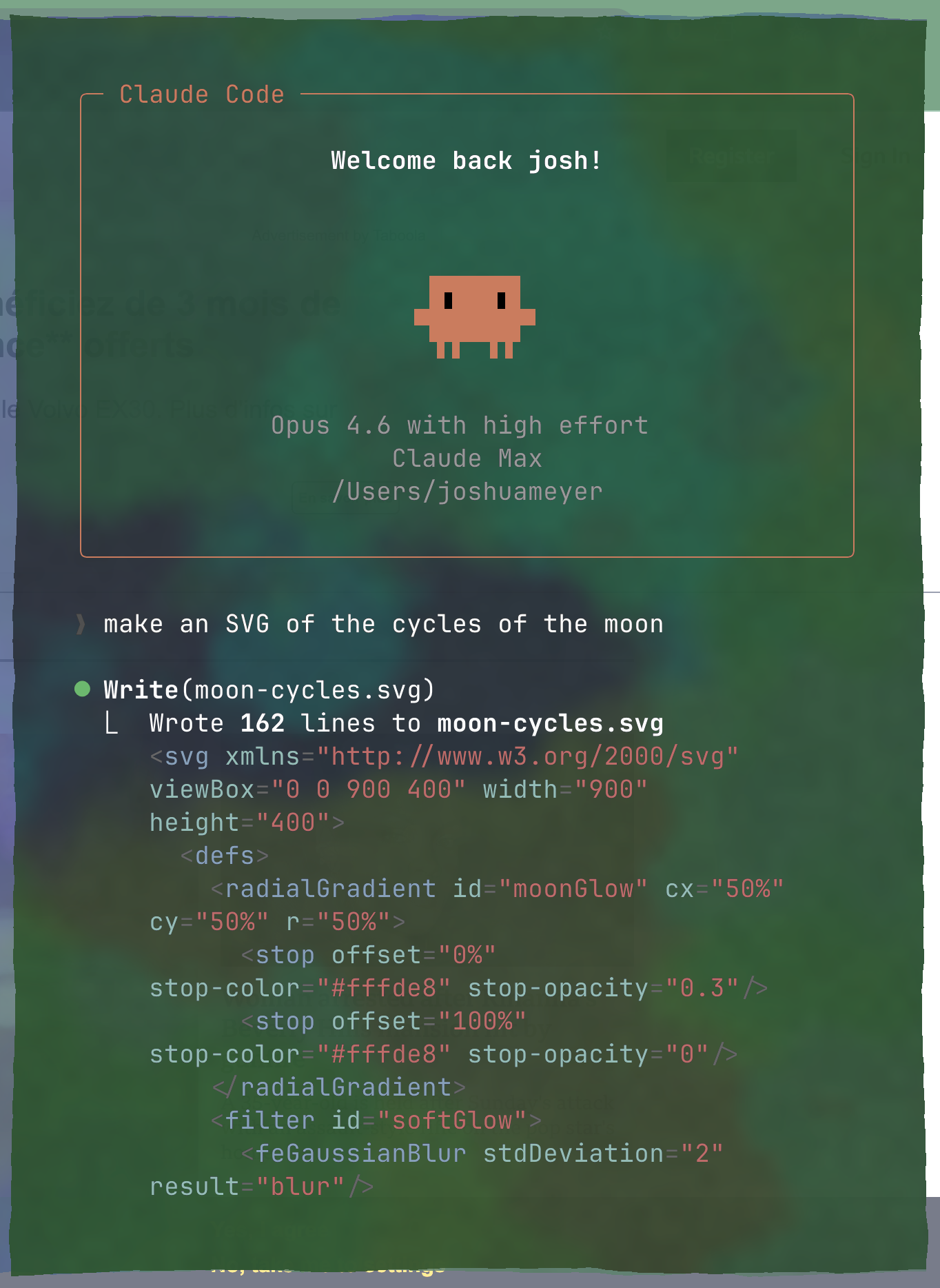
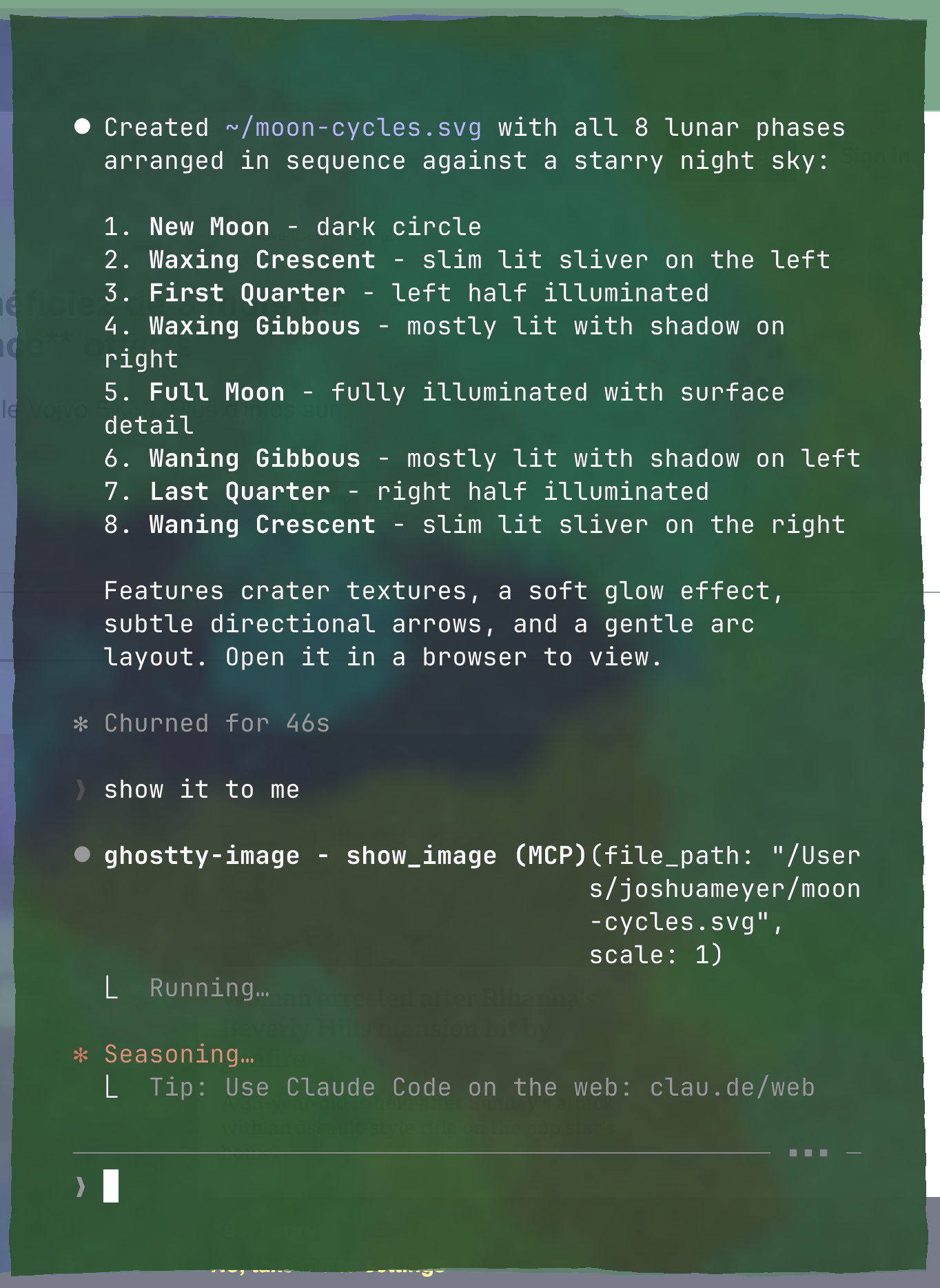
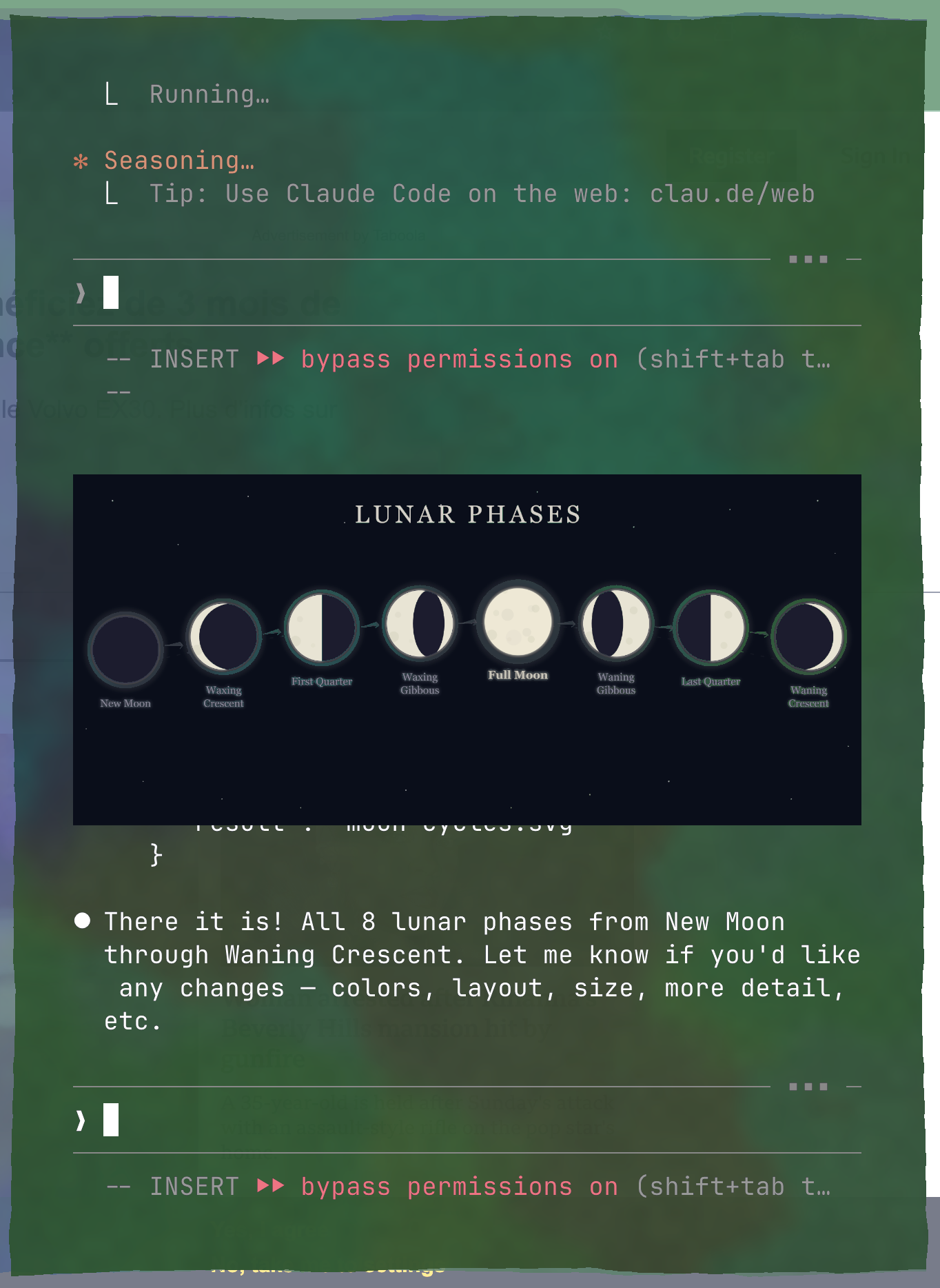
In my last post I mentioned that Ghostty can display images inline in the terminal. I wanted to do this with Claude Code, but it won’t work out of the box.
The problem is Claude Code doesn’t have a built-in way to send images to the terminal. So I built an MCP server that does it.
Why MCP?
An MCP (Model Context Protocol) server is the right tool here because Claude Code needs to write raw bytes directly to the terminal, NOT text. The key is in the Kitty graphics protocol escape sequences. None of Claude Code’s built-in tools can do this. The Bash tool captures stdout as text.
An MCP server runs as a separate process, so it’s not limited to CC’s tool limitations. The MCP captures the controlling TTY at startup, then writes escape sequences directly to the terminal using os.write() on the raw file descriptor. Claude Code never even sees the image data.
How It Works
The whole server is a single Python file.
- at startup, grab the TTY path via
/dev/ttybefore stdio takes over - convert the file to PNG (via
sipson macOS, orrsvg-convertfor SVGs, or CoreGraphics for PDFs) - Base64-encode the PNG file path
- Write a single Kitty graphics escape sequence to the TTY:
\x1b_Ga=T,f=100,t=f,c={cols},q=2;{path}\x1b\\ - The terminal reads the file and renders it inline
Setup
Clone the repo and add it to Claude Code:
git clone https://github.com/jrmeyer/ghostty-image-mcp.git
claude mcp add ghostty-image -- uv run /path/to/ghostty-image-mcp/server.py
You need uv, Python 3.10+, and a Kitty graphics-compatible terminal (Ghostty, Kitty, etc.).
Then just ask Claude to show you things:
show me ~/photos/cat.jpg
show me this PDF page 5: ~/papers/attention.pdf
make it 2x bigger
rotate it
It handles PNG, JPEG, HEIC, SVG, PDF, and anything else sips can convert :)
The Repo
Everything is at github.com/JRMeyer/ghostty-image-mcp. It’s one file, about 160 lines. Let me know if you have comments or run into issues.