Watercolor Shaders for Ghostty
Introduction
I spend most of my time in the terminal. When I tried out Ghostty this week, I didn’t expect to switch from macOS Terminal – I didn’t have a lot of complaints before. But then I zoomed in and out on the text without the window resizing, and I decided to try it as a daily driver.
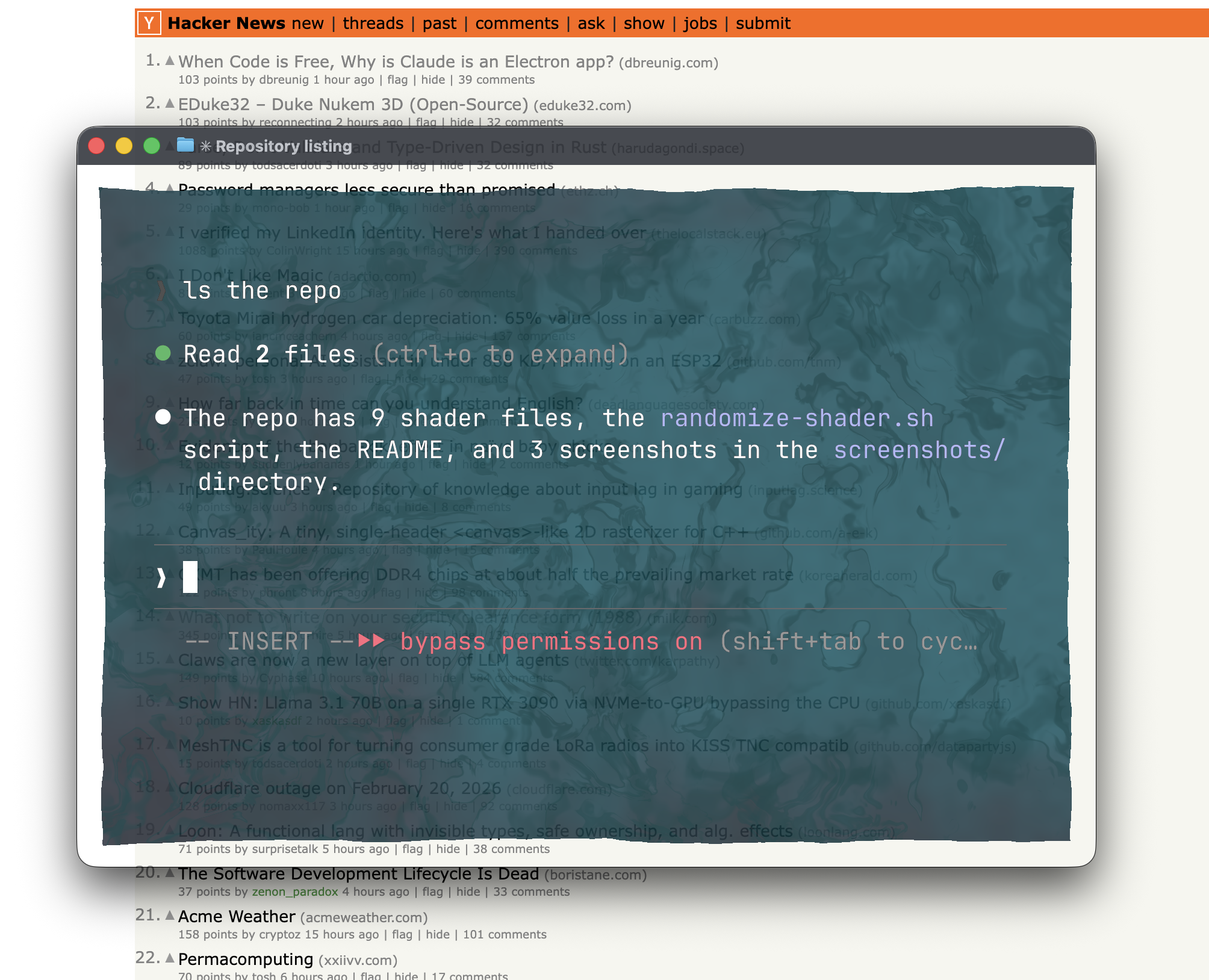
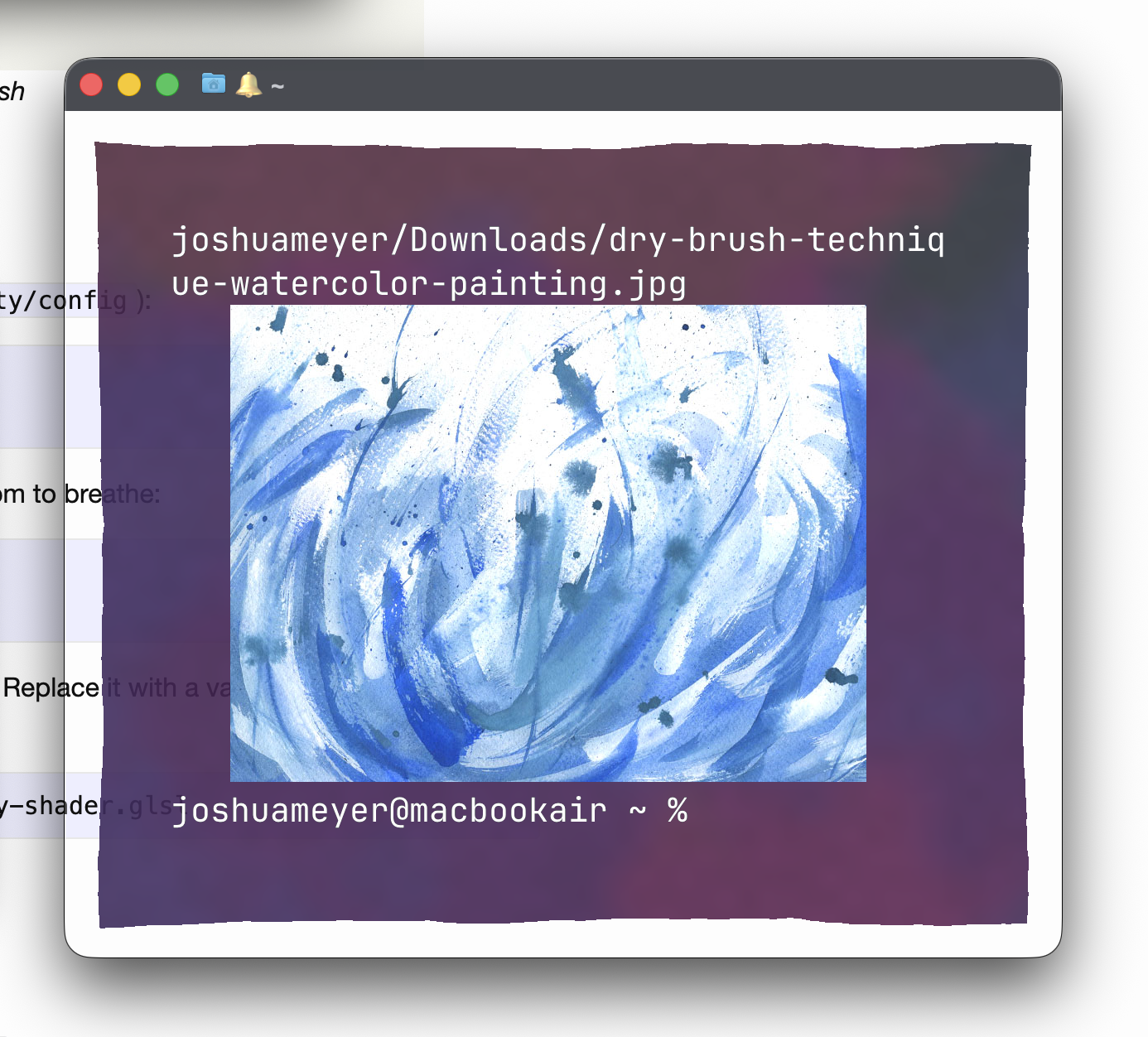
Then I found you can display images right in the terminal. This was huge for me. I ssh into servers a lot and work on code there with Claude, which is great at generating diagrams and charts. Over ssh with macOS Terminal I can’t see them – I’d just scp them to my laptop and open in browser. With Ghostty I can generate an SVG on the server, convert to png, and show it inline. This alone is a major win.
So I liked the functionality, but then I found all the fun, not-so-functional things you can do with it. Ghostty has a custom-shader feature that lets you write GLSL fragment shaders that render behind your terminal content.
I’ve been watercoloring lately, so I wondered if I could make watercolor washes as a terminal background. I ended up making a whole collection of them, each named after a real painting technique. The repo is at github.com/JRMeyer/ghostty-watercolors. PRs are welcome :)
The Shaders
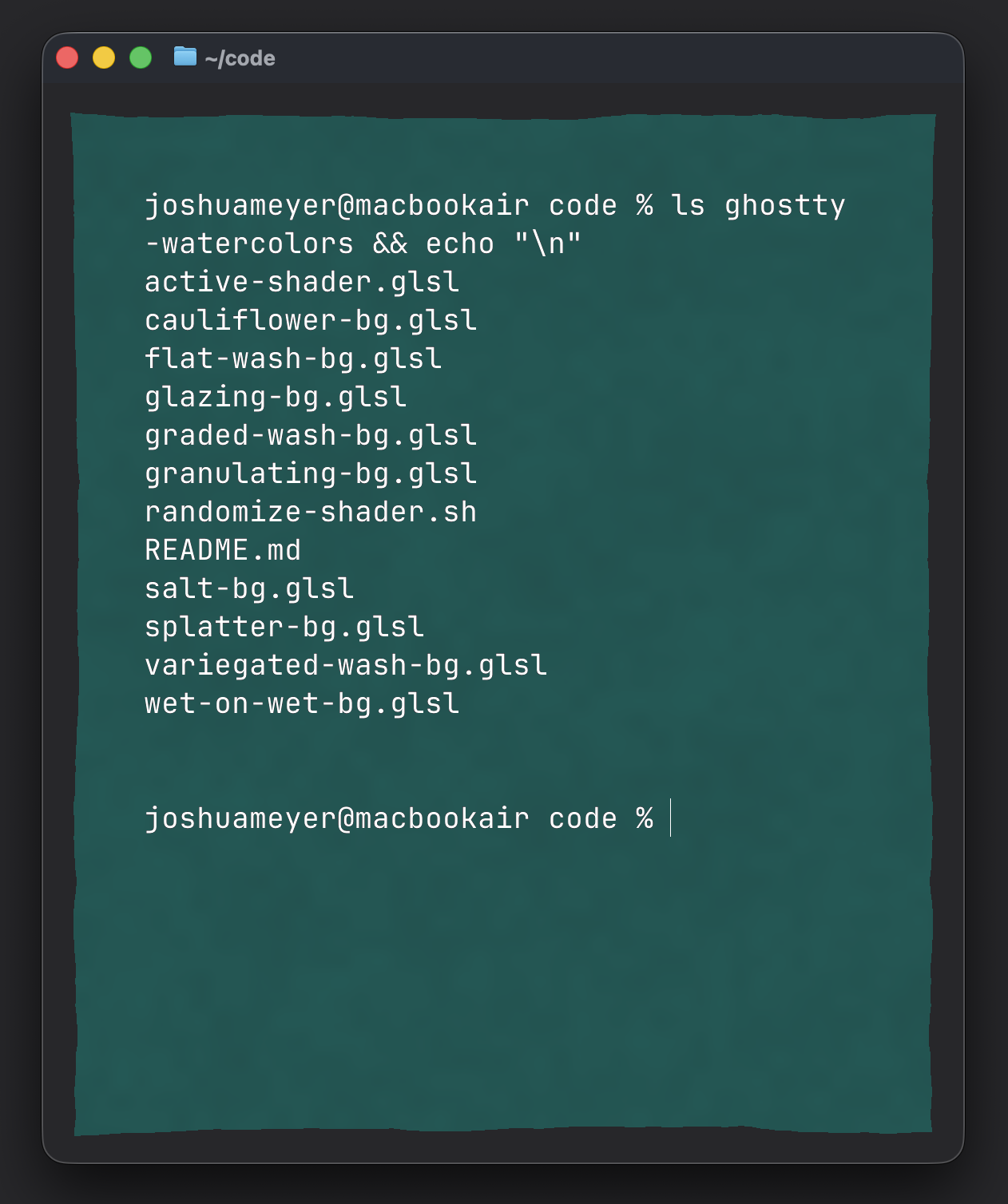
There are nine shaders in the collection so far. Each one tries to simulate a different wash technique:
- Flat Wash – Uniform color with organic edges.
- Graded Wash – Fades from full color to transparent, top to bottom.
- Variegated Wash – Two colors blending into each other.
- Wet-on-Wet – Soft, bleeding color regions like pigment dropped on wet paper.
- Glazing – Multiple transparent color layers stacked with visible overlap.
- Granulating – Pigment settles into paper texture, creating a speckled, grainy look.
- Salt – Fine speckled texture where salt crystals disrupted the wash.
- Cauliflower – Backruns with fractal edges where wet paint crept into drying areas.
- Splatter – Random droplets scattered across a light wash, like flicking a loaded brush.
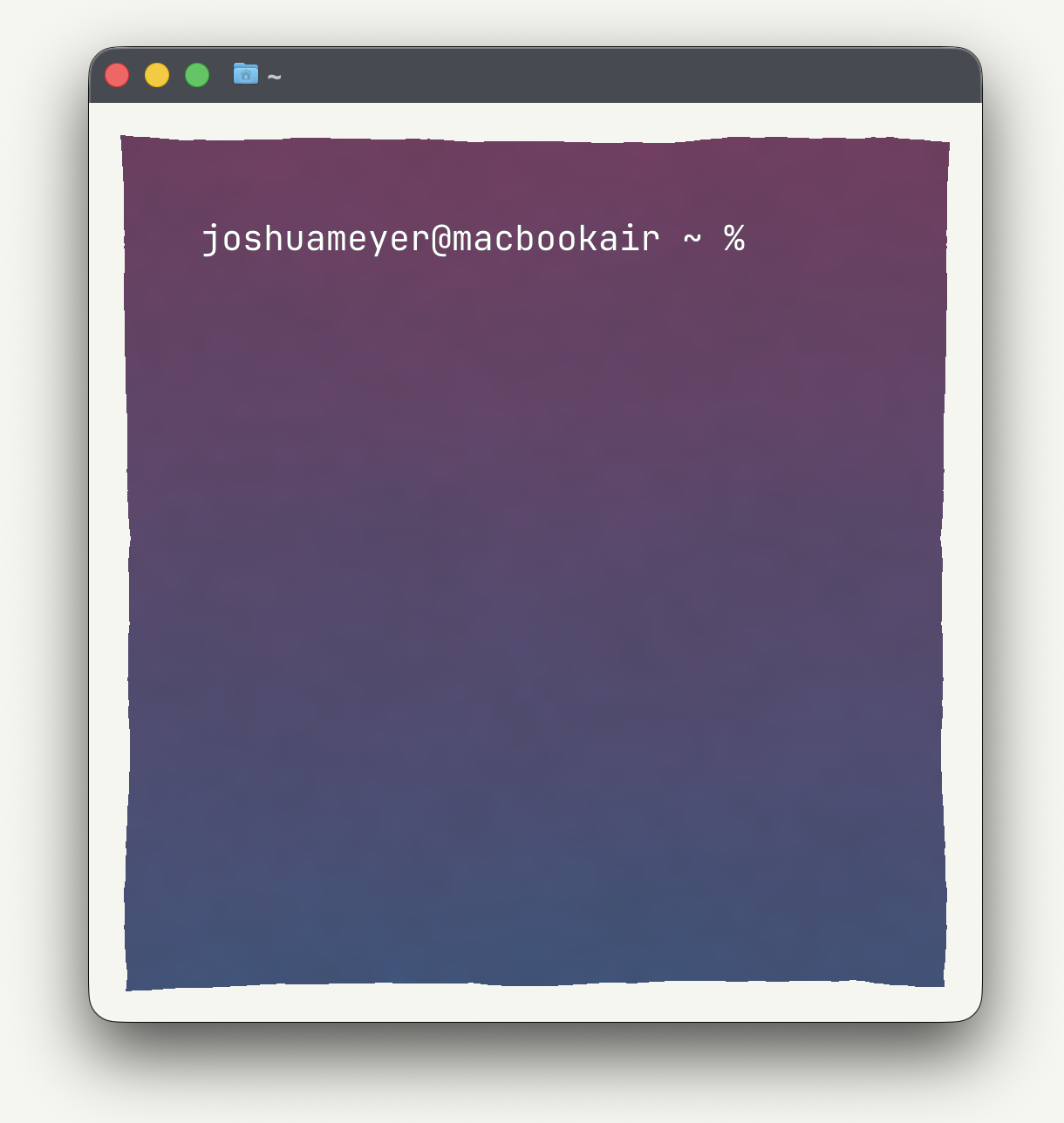
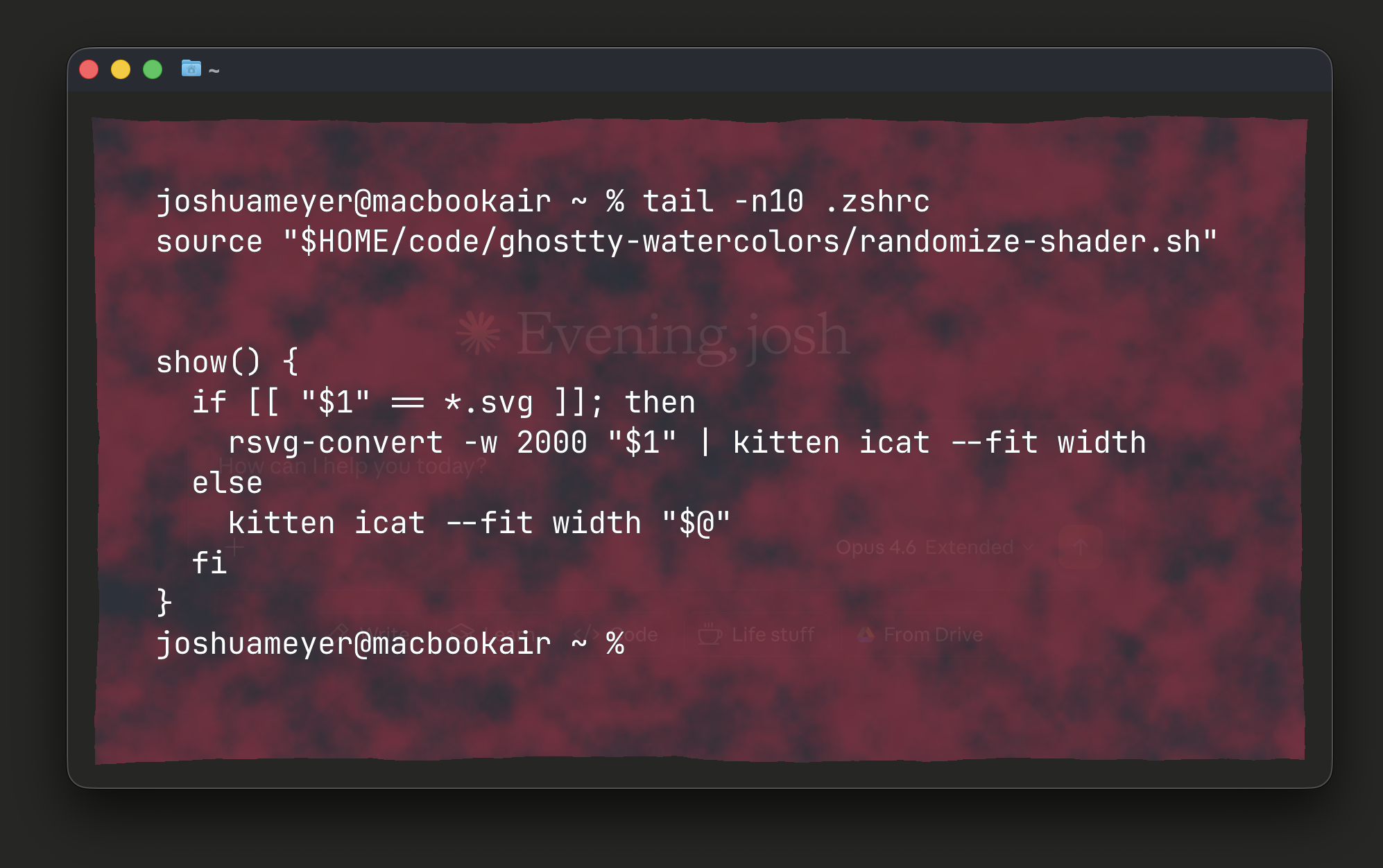
Here are a few of them in action:
Getting Started
Add a shader to your Ghostty config (~/.config/ghostty/config):
custom-shader = /path/to/shader.glsl
background-opacity = 0.85
I also like adding some extra padding so the wash has room to breathe:
window-padding-x = 64
window-padding-y = 64
Each shader uses a WASH_HUE placeholder for the color. Replace it with a value between 0.0 and 1.0 to pick a hue:
sed 's/WASH_HUE/0.6/g' flat-wash-bg.glsl > my-shader.glslRandomizing Per Window
There’s also a small script called randomize-shader.sh that picks a random shader and a random color each time it runs. Source it in your .zshrc:
source /path/to/ghostty-watercolors/randomize-shader.shThen point your Ghostty config to the generated file:
custom-shader = /path/to/ghostty-watercolors/active-shader.glslNow every new terminal window gets a different wash type and color. Pretty cool, right?